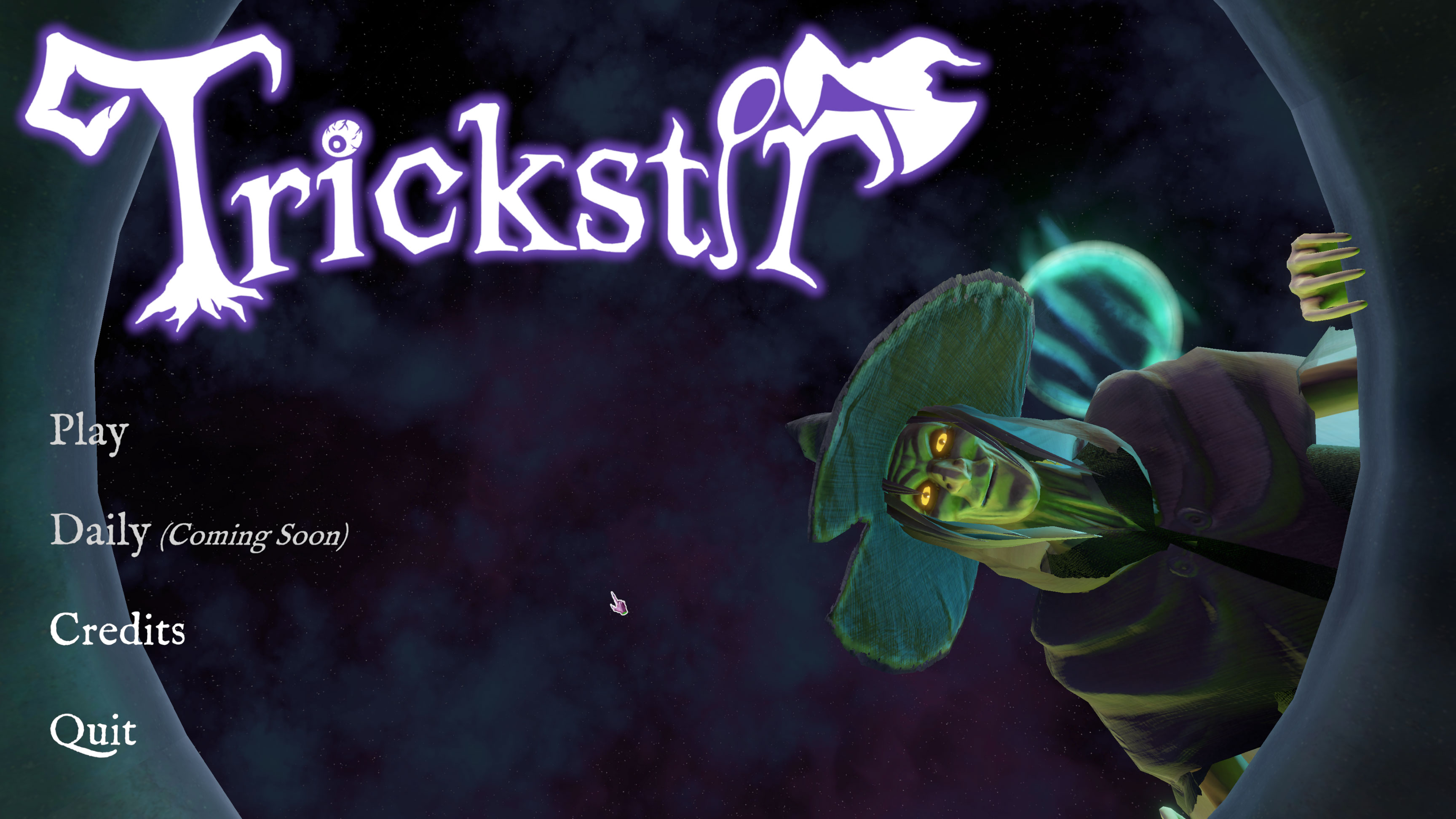
Trickstir
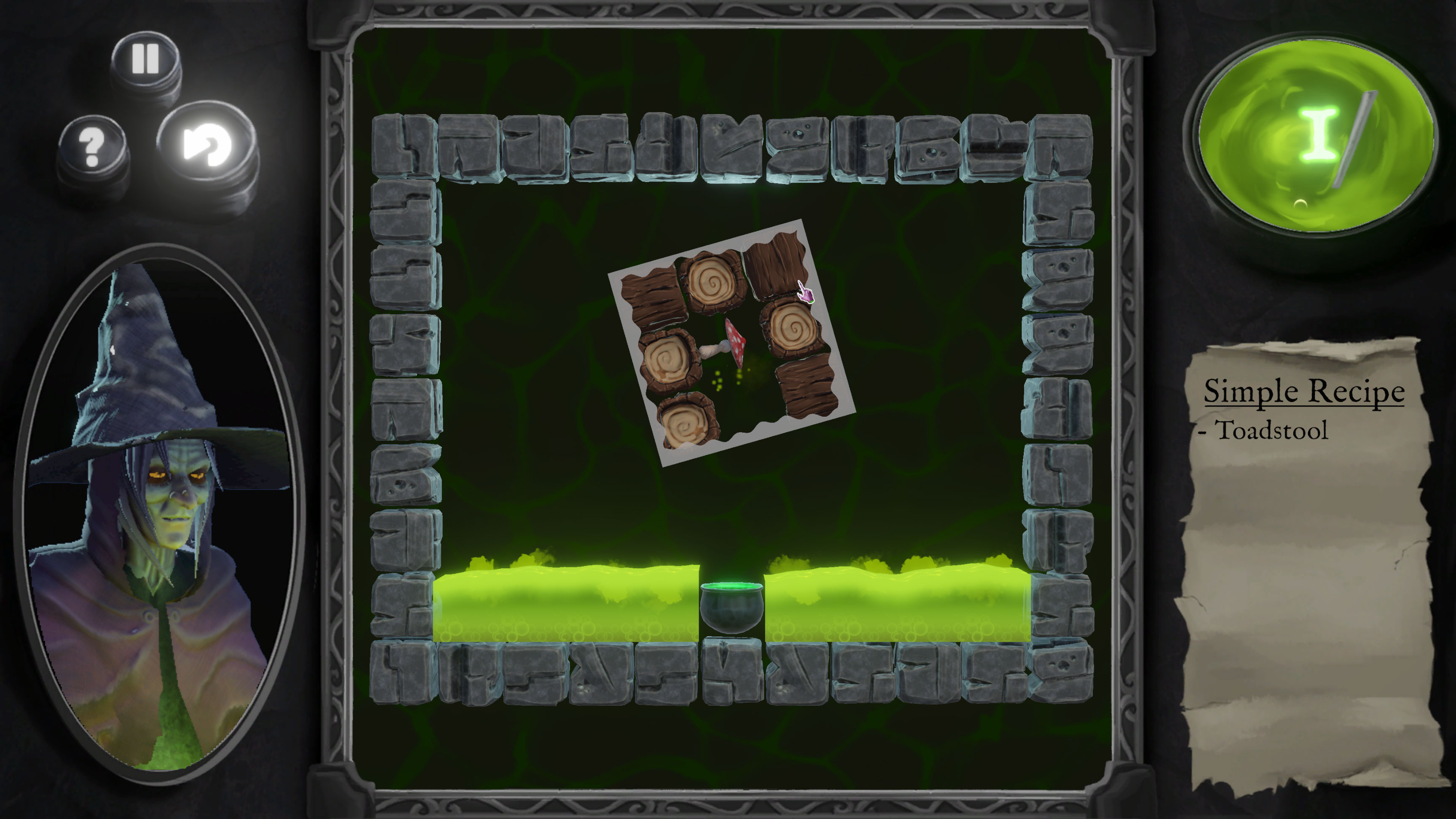
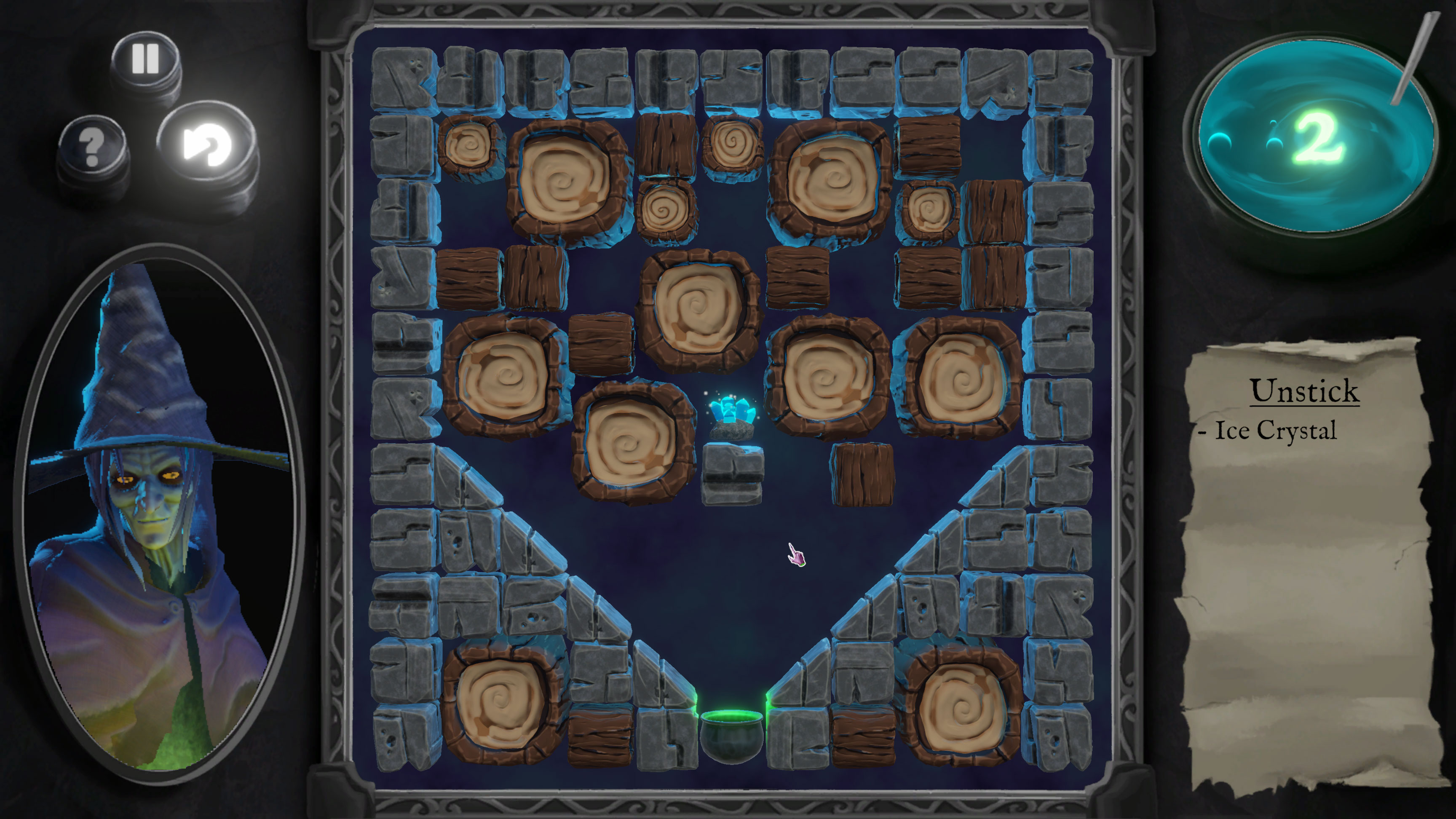
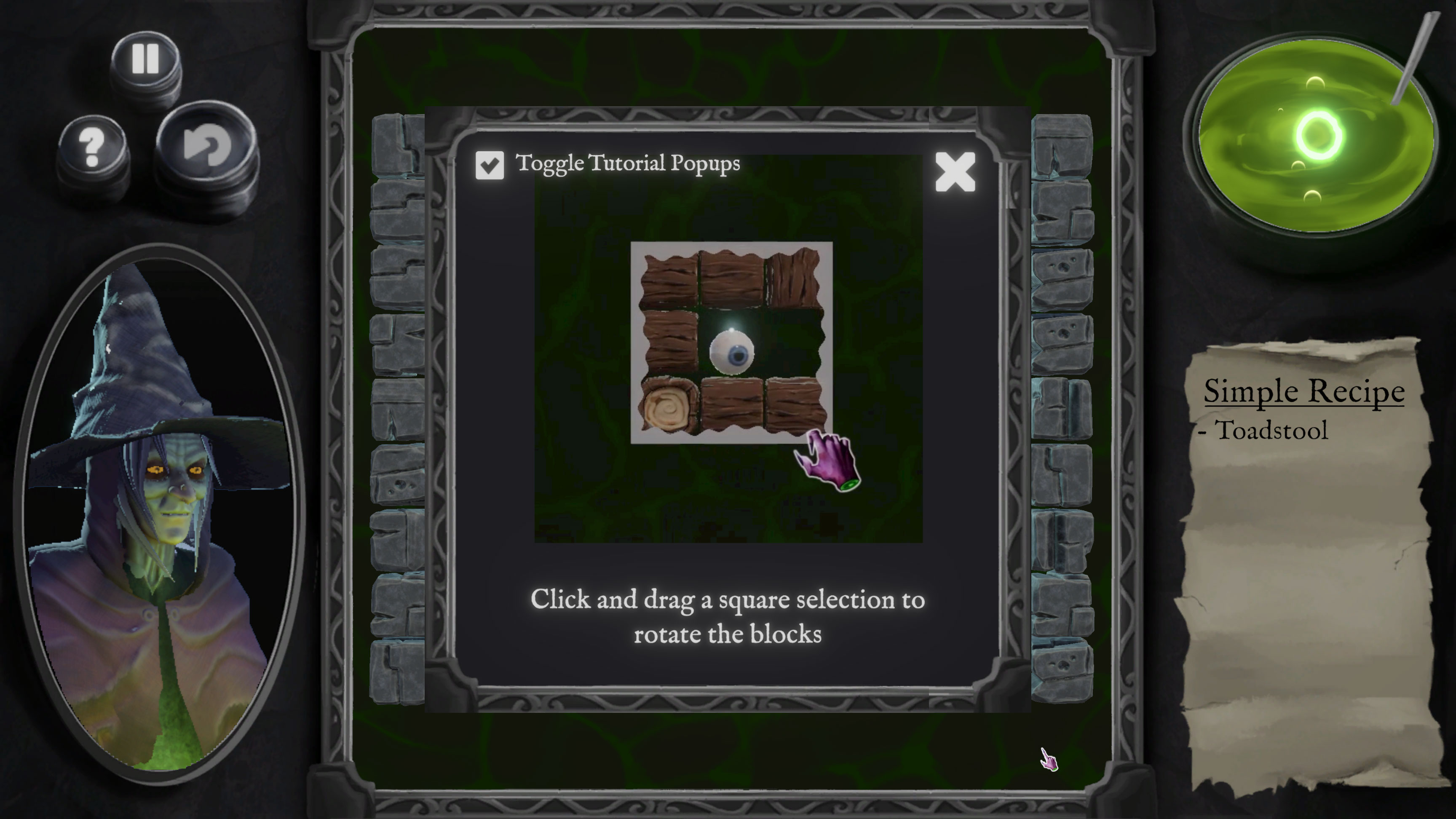
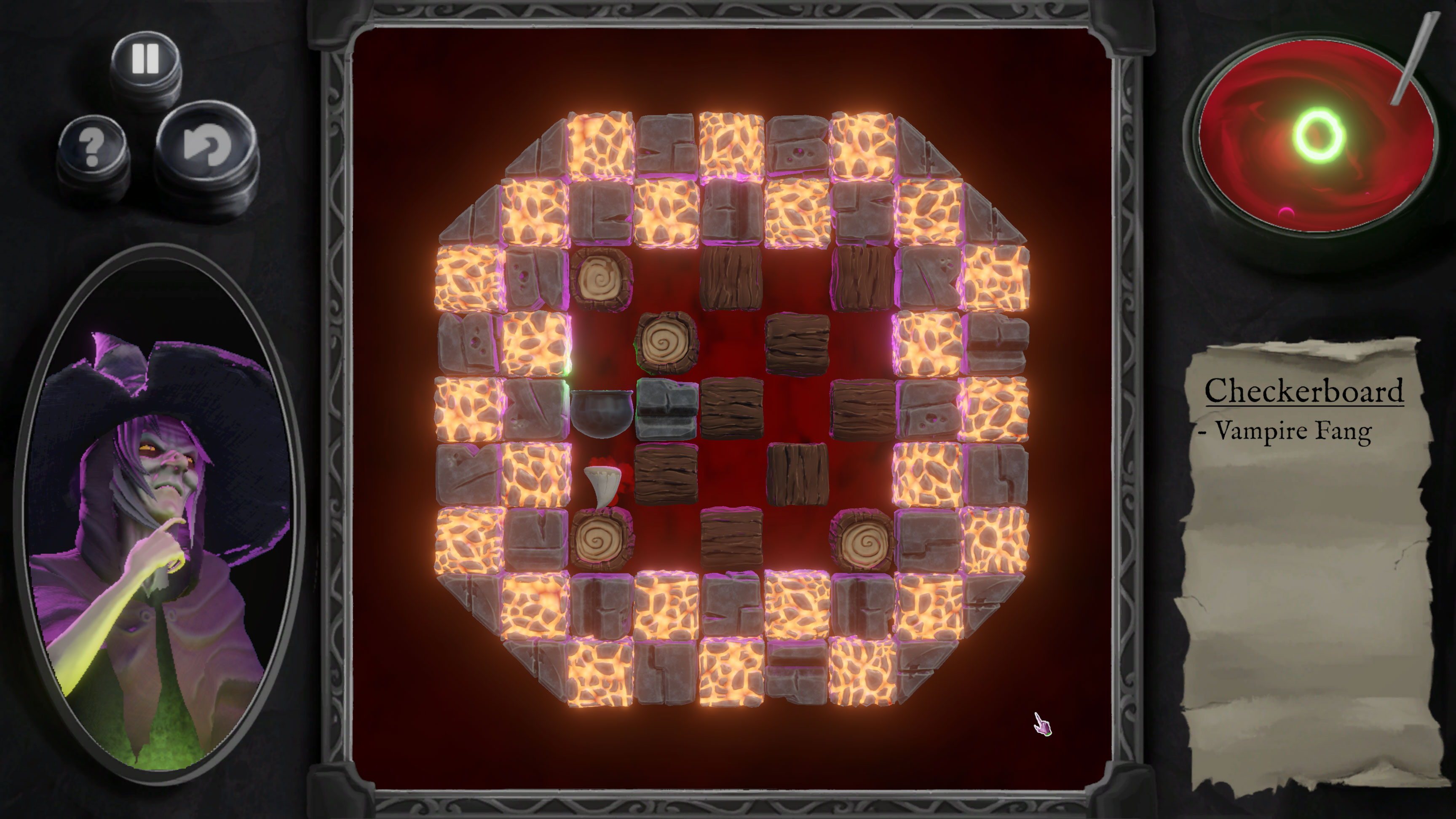
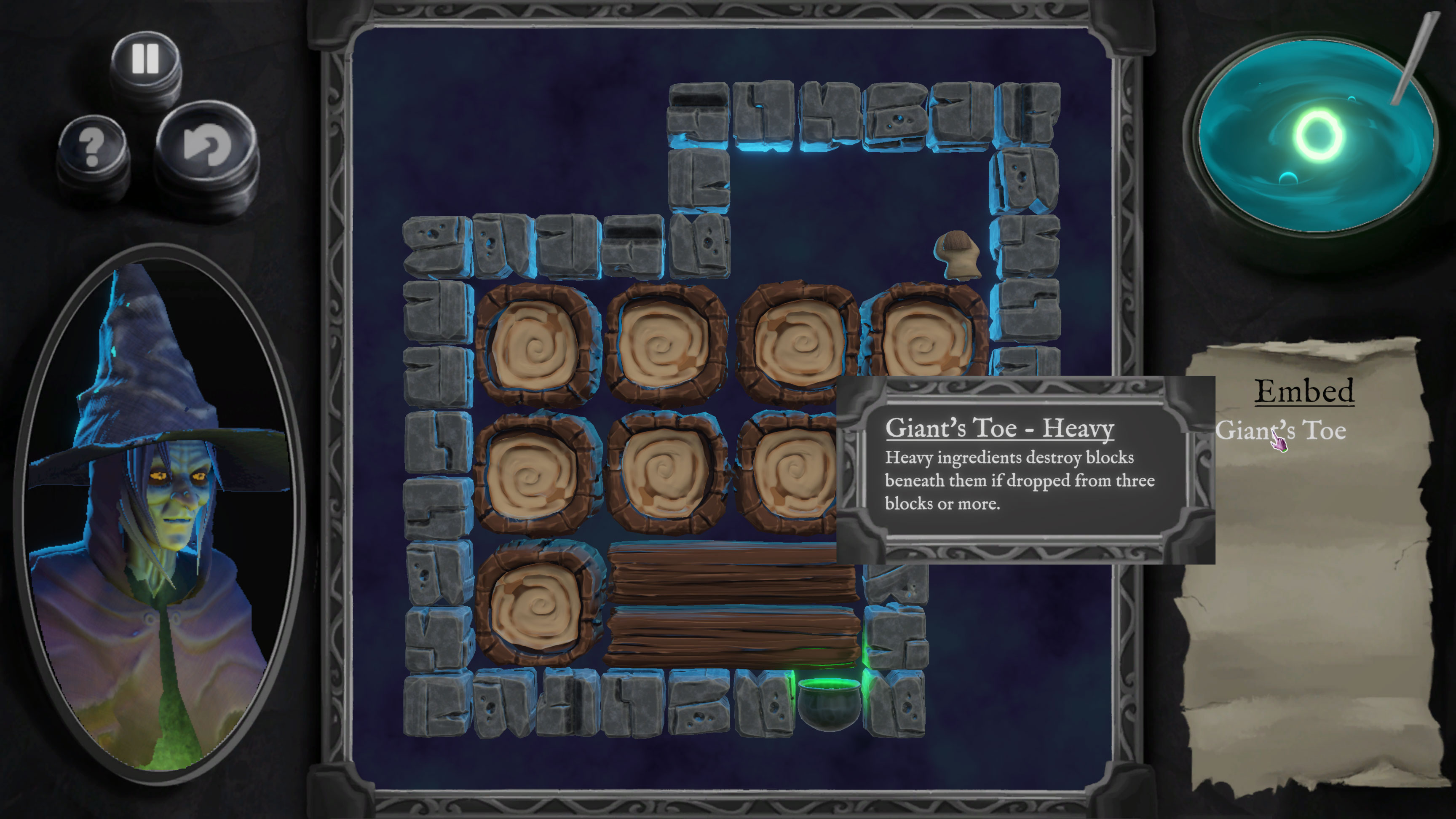
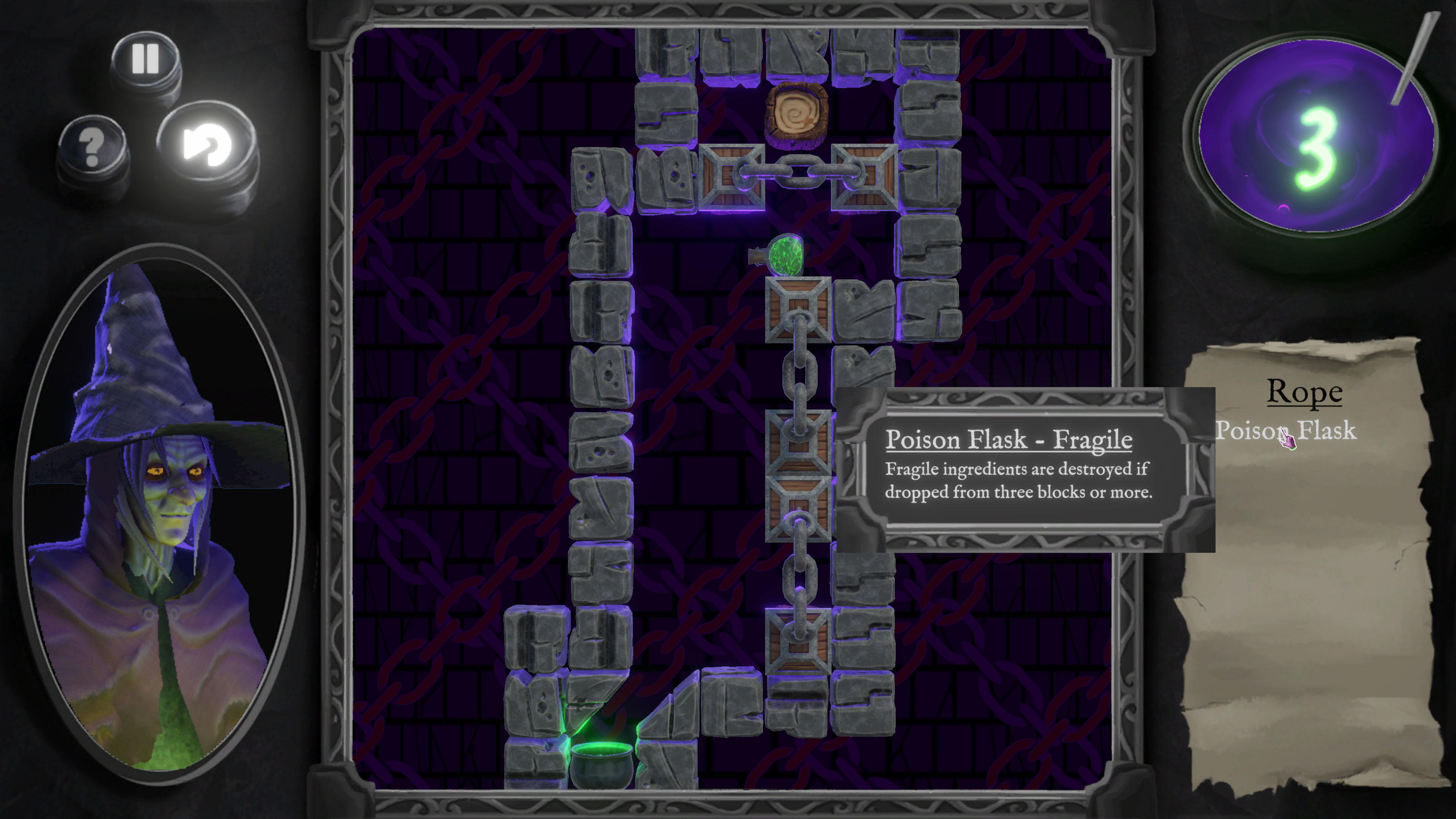
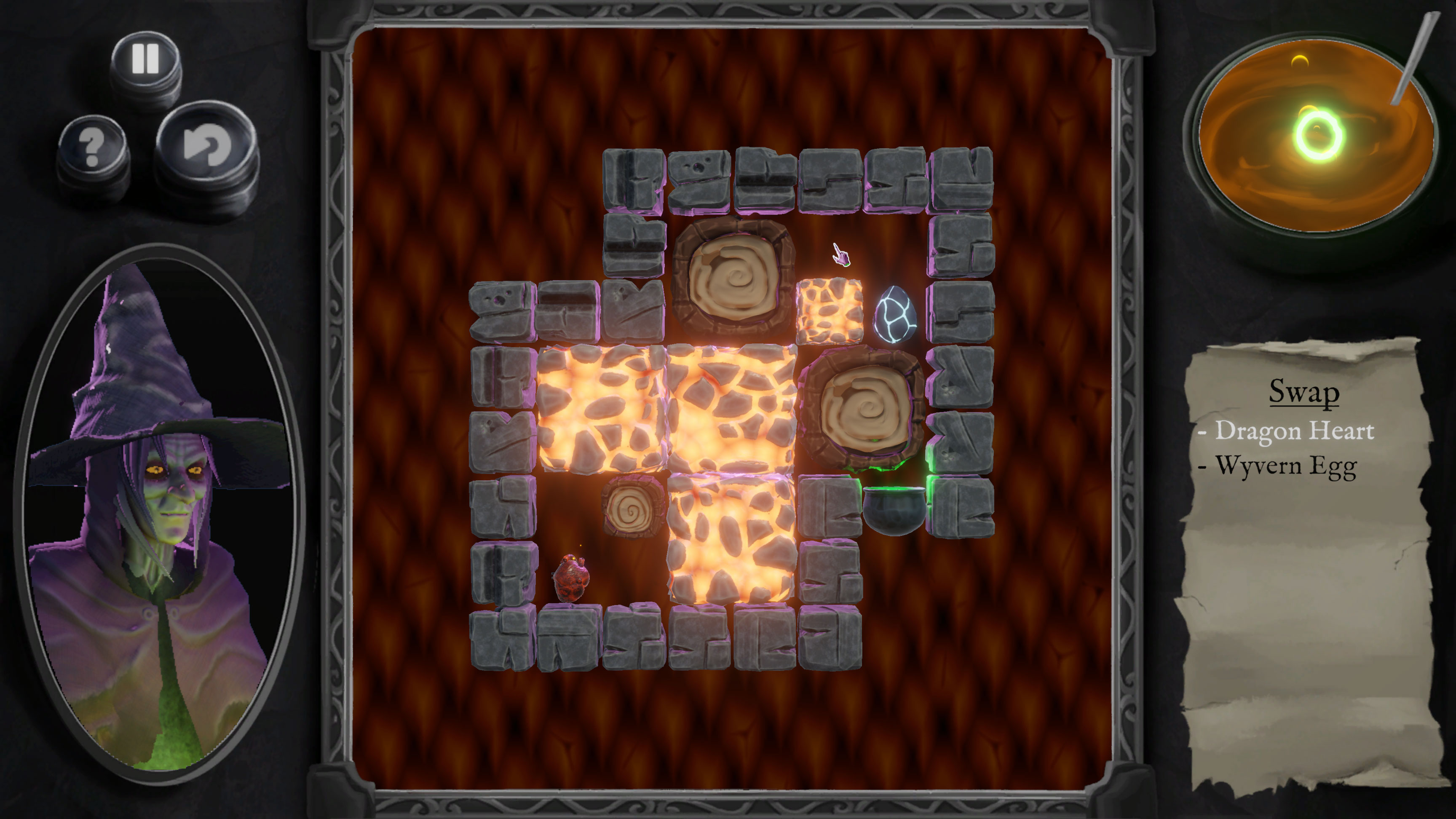
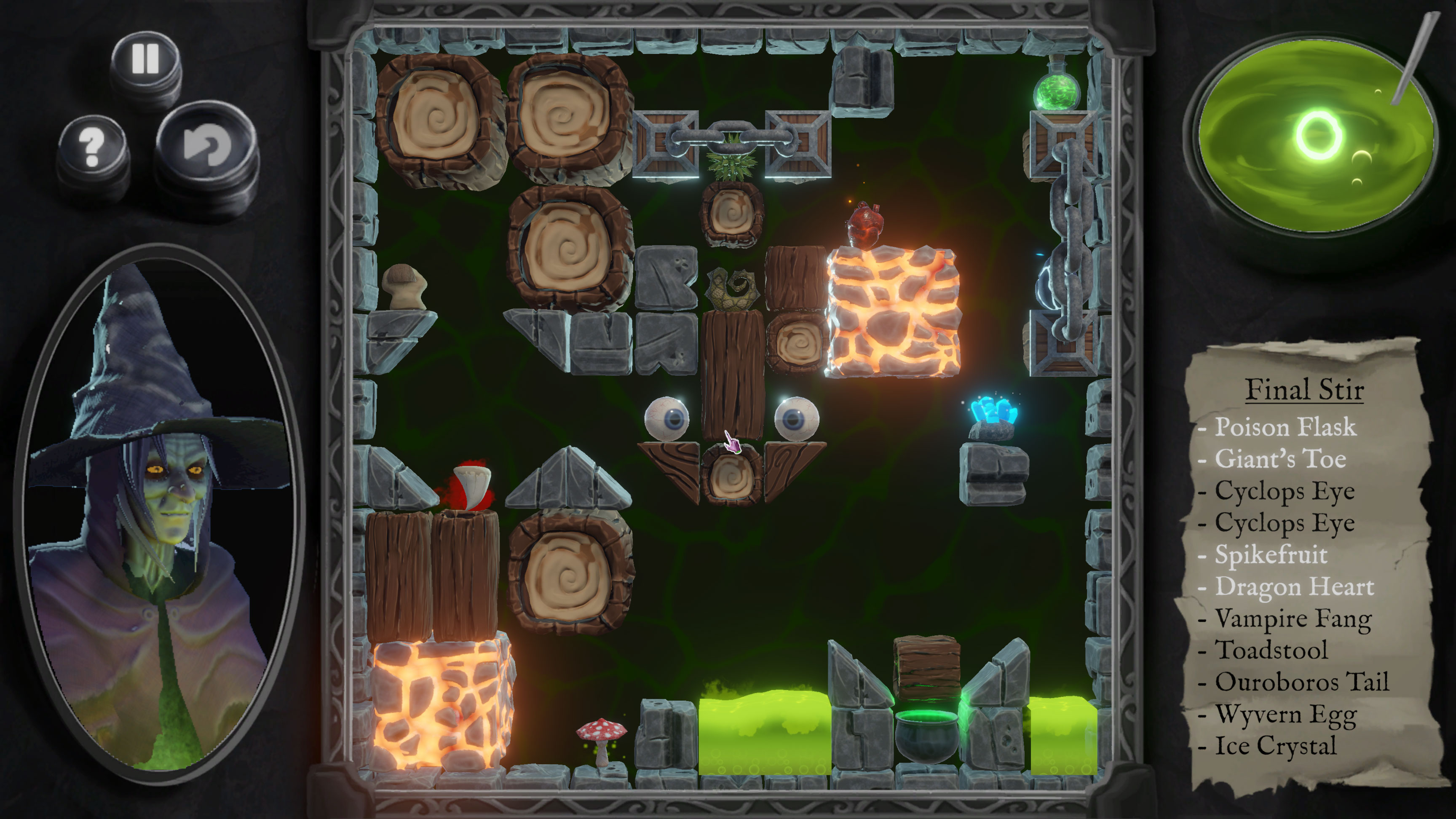
A rotation puzzle game about brewing the ultimate potion. Select a square of tiles to rotate everything clockwise inside 90º. Use this to move the ingredient to the cauldron.
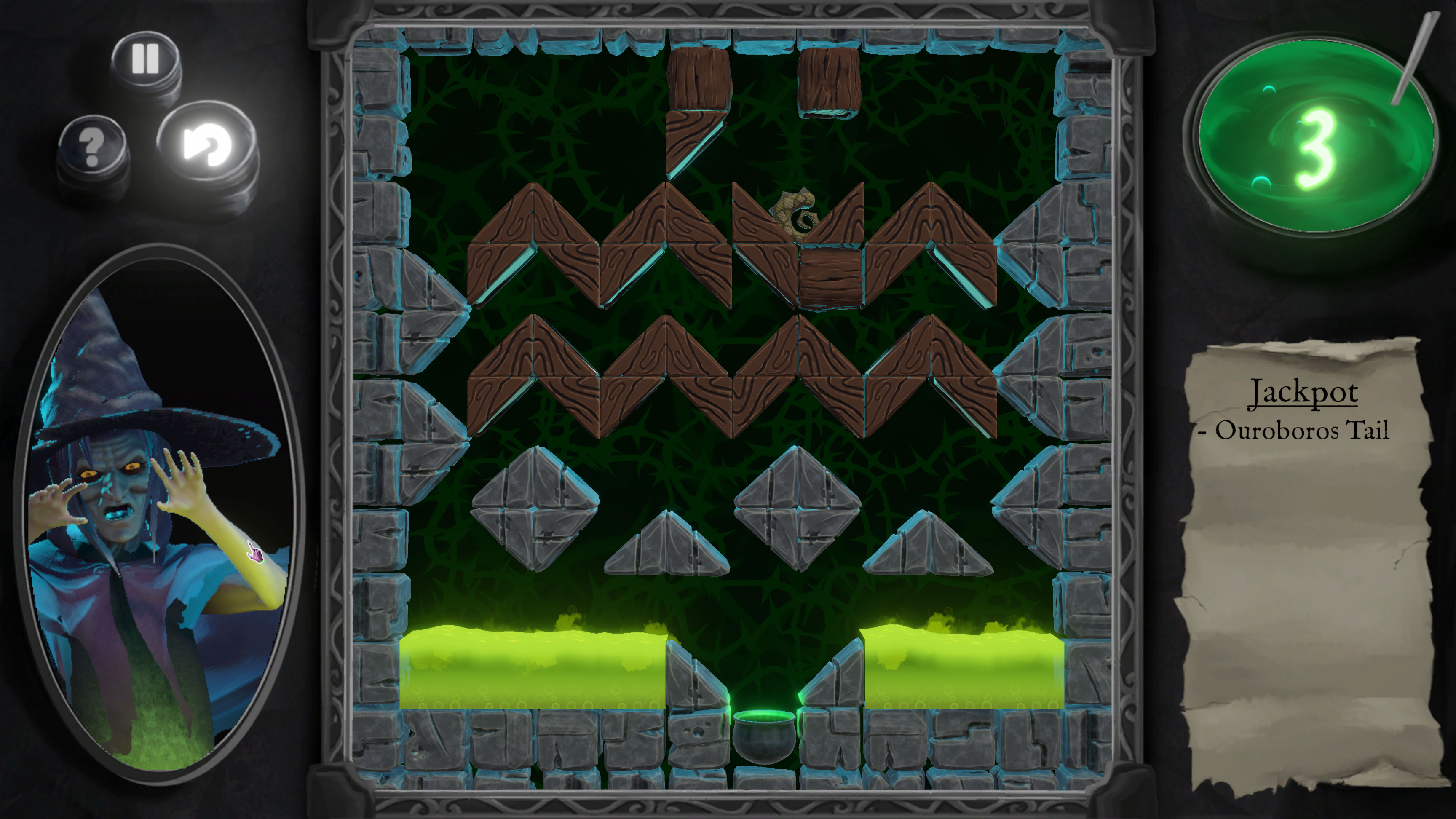
Blocks and ingredients have special properties, like breaking blocks or the ingredient!
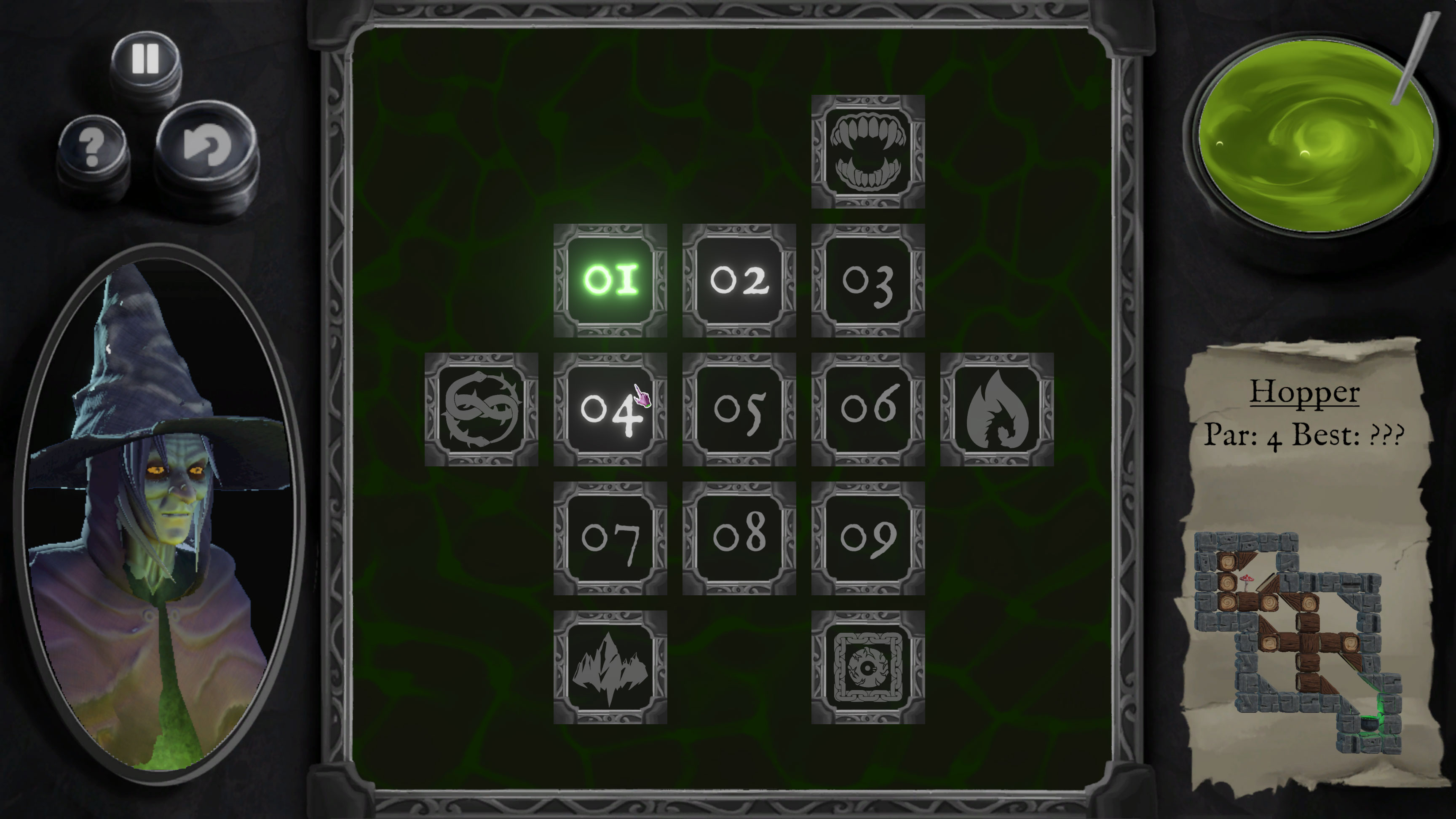
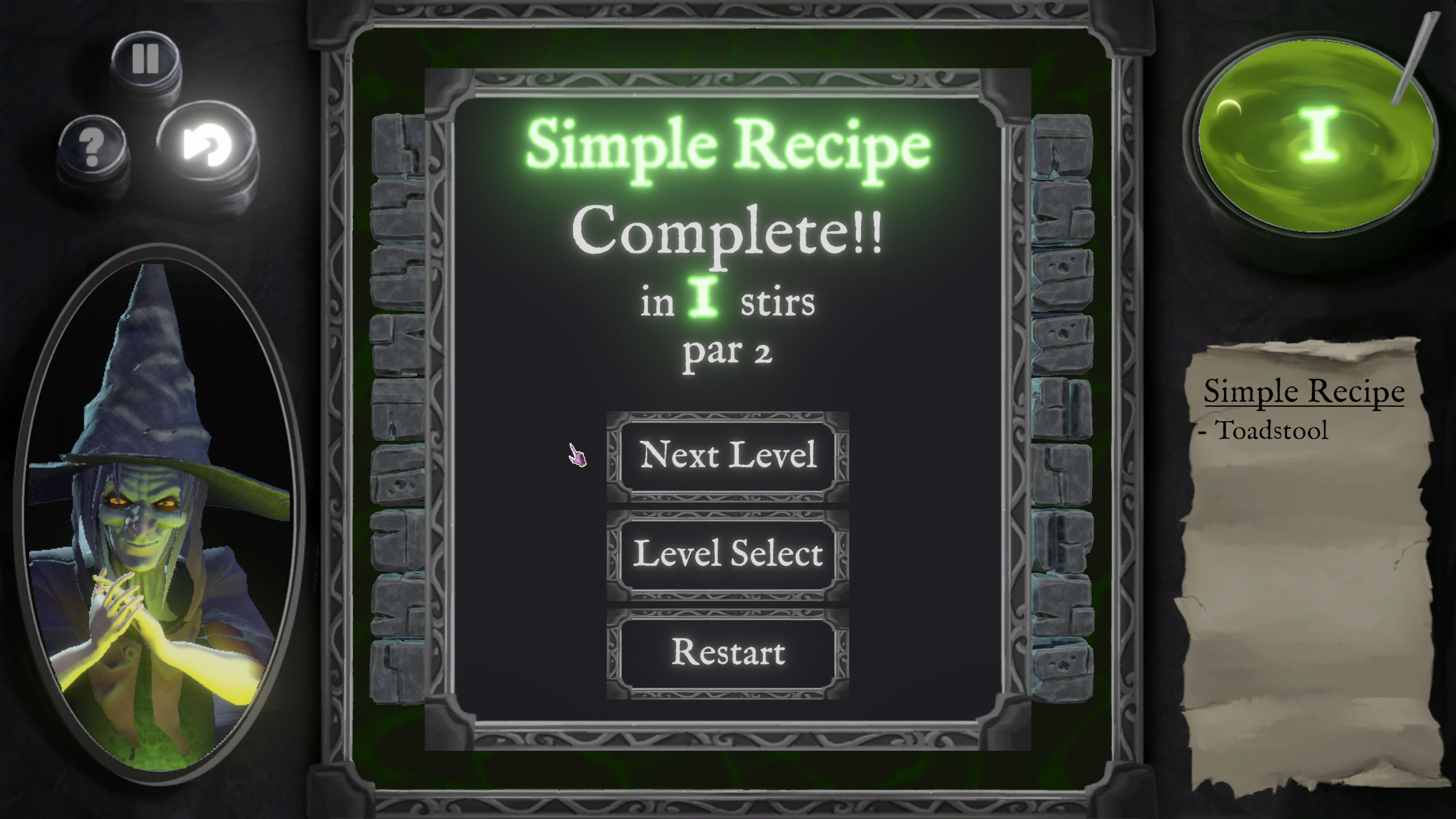
Collect the ingredients from completed levels to help the witch finish their newest concoction!
Art:
Eric Zheng & Sydney Gossage
Programming:
Bob Wilson & Vivek Kilari
Design:
Langston Key
Music:
Micheal Salem
Executive Production:
Brain Winn & William Jeffery
Special Thanks:
Julian Piotraszewski
Thanks to Jon Annal, Mat Annal, Chris Burt-Brown, and Lee Nicklen for creating our inspiration Numbskull!
Thanks to our amazing play testers!
Alec - Alexis Lemansky - Andrew - Andrew Dennis - Arsenii Kyrychenko - Austin Endres - Barclay Key - Bilal Saqib - Chris Thorsen - Christopher Murray - Dean Cianciolo - Diego Vázquez - Emma Brown - Ethan Edwards - Ethan Powell - Gurmaan Singh - Ian Kercorian - Isaiah - Julia - June - Keith Lerner - Lara Rose - Lily - Lynn Hogen-Esch - Mannix Muir - Miray Atar - Noah Konarz - Sam Cissne - Sid - Sonya Key - Strider Toll - Tim Wilson - Tyler Stefan - Walker McDonald - Warren (Ren) Telzrow - Wesley H. - William Jeffery - Yuta - Zora Key
| Updated | 7 hours ago |
| Status | Released |
| Platforms | HTML5, Windows, macOS |
| Rating | Rated 4.9 out of 5 stars (8 total ratings) |
| Authors | Langstonian, Bob Wilson, Vivek Kilari, Washtubbu, piotrasz, GossSyd |
| Genre | Puzzle |
| Tags | blocks, Halloween, Point & Click, Retro, Rotation, Short, Singleplayer, Sokoban, Wordle |
Install instructions
You can play the game right in the browser by clicking "Run game", you can also download the executable for better graphics and performance.
Mac download instructions
-------------------------------
Mac Chrome or Firefox:
1: After downloading the zip file, go to your Downloads folder.
2: Double-click the zip file to unzip the executable.
3: Double-click the executable.
Mac Safari:
1: After downloading the zip file, go to your Downloads folder.
2: Double-click the zip file to unzip the executable.
3: Double-click the executable.
4: MacOS will display a popup that says "Not opened, Apple could not verify", you need to click "done".
5: Click the Apple menu at the top left of the screen and choose "System Settings".
6: On the left side, choose "Privacy and Security".
7: On the right side, scroll down to Security until you see Trickstir and click "Open Anyway".
8: Another popup comes up that says "Don't open this unless you are certain it is from a trusted source". Click "Open Anyway".
9: Enter your password. The game should now launch, and the next time you run it you won't need to do any of these steps.


Comments
Log in with itch.io to leave a comment.
made a game called gemstone finder check it out https://coldfootbalr.itch.io/gemstone-finder
This is really cool
Funny game)
This is seriously a great puzzle game, love the theming! Great work!
awesome game
im in love